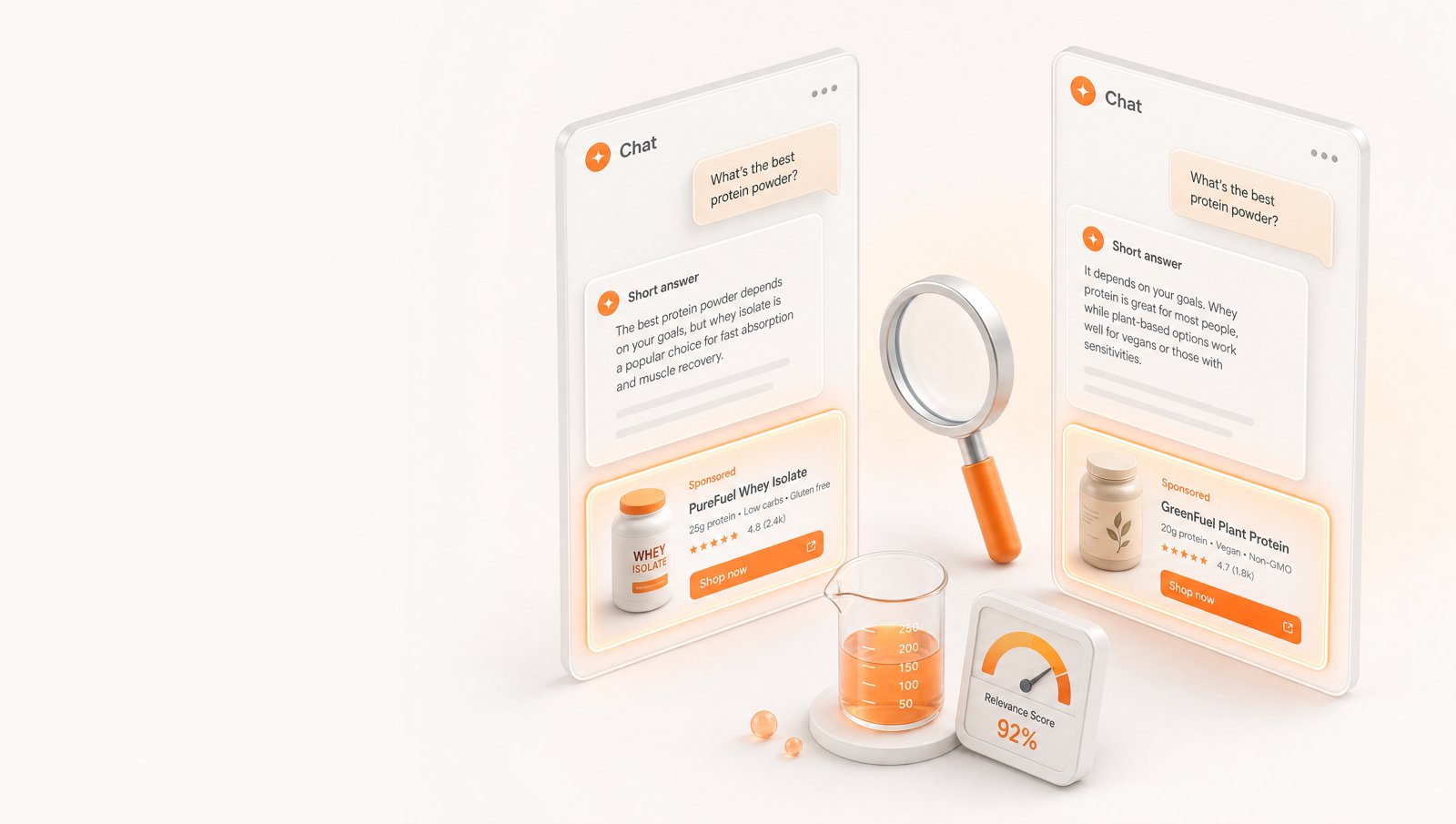

Audit default-on AI ad features with one inventory per platform. For every setting that can change your ads or spend without a per-change approval, record the owner, the risk, where the switch lives, your decision, and a review date. Three platforms give you a reason to do it now. OpenAI says creative enhancements for ChatGPT Ads turn on automatically for new and existing campaigns on October 31, 2026. Google published new channel prioritization controls on October 14, 2026. And Meta's developer docs list individual Advantage+ creative features you opt into or out of one at a time.
What counts as a default-on AI feature?
Any platform setting that does one of three things without you approving each instance:
- Changes what the ad says or shows. Headlines, descriptions, images, translations, extra assets.
- Changes where people land. Destination URLs.
- Changes where money goes. Budget split across channels or surfaces.
"Default-on" also covers settings that are optional today but become the default later. Google's channel change is that kind, covered below.
Some of these features will help. The risk is that nobody on your team decided to turn them on, so nobody owns the result.
What is switching on in ChatGPT Ads?
OpenAI's help article says creative enhancements adapt your existing ad to fit the conversation and user interests. Per the article, they can change:
- Headlines and descriptions
- Ad language, through translation
- Images, resized to fit the format
- Destination URLs, pointed to a more relevant page on your site
The article states that starting October 31, 2026, creative enhancements are enabled automatically for new and existing campaigns. It also says ads can run without you reviewing or approving each version. The article does not offer a preview of every variation.
You can opt out before October 31 or change settings at any time in Ads Manager, using the Manage settings option. Two details matter for your audit. Existing account-level and campaign-level opt-outs are preserved. And campaign-specific settings take priority over your account default.
The article also warns that changes over time alone do not establish the effect of creative enhancements. Test; do not assume.
Note: the article labels October 31, 2026 as a Thursday. October 31, 2026 falls on a Saturday. Use the date, and re-read OpenAI's page before you act on the day of the week.
What does Google apply to your account on its own?
Two separate things.
Account-level automated assets. Google's help page describes these as assets Google creates and shows when it predicts they will improve ad performance. The listed types include dynamic sitelinks, dynamic structured snippets, automated location assets, seller ratings, dynamic callouts, dynamic business information, dynamic image assets, automated promotions, and site visits. Google says there is no cost when assets show with your ads. You are charged for clicks as usual, plus certain asset interactions.
The page does not state a default for new accounts, so check yours rather than assume. To find what Google added, open Assets, filter by "Added by", and select "Google AI". To turn one off, Google's steps are: open the Associations tab, use the three-dot menu to reach Account level automated assets, open Advanced settings, pick the asset, give a reason, and save.
One line deserves a flag. If you have not added locations, Google Ads may automatically match your business to known locations.
Channel prioritization and budget allocation. Google's October 14, 2026 post describes these as optional controls: label channels High or Low priority, and cap Low-priority channels at a share of the daily budget. Google's help page says all channels are High priority by default and that a Low-priority allocation is best-effort, not a guarantee.
The part that belongs in your audit is the migration. Google says that starting February 2027, for Search campaigns with the Google Display Network on, the current spend allocation setup will go away and spending may shift. To keep your current setup, Google says to set the Display Network to Low priority with a 50% budget allocation before then. The help page adds that Search campaigns on the Target Impression Share bid strategy will no longer serve on the Display Network, and that you cannot set prioritization from a manager account. If you run many accounts, that second point changes who has to do the work.
Which Meta Advantage+ creative settings need a decision?
The Meta facts below come from Meta's developer documentation. Match each field name to the matching toggle in your own Ads Manager and record the path yourself.
Meta's docs say that from Marketing API v22.0, the Standard Enhancements bundle is replaced by individual opt-ins. v22.0 was released on January 21, 2025. Each feature takes an enroll_status of OPT_IN or OPT_OUT inside creative_features_spec, set per ad. Meta's Advantage+ creative guide lists the individual features. A few that change what people see:
- text_optimizations: tests your text options as primary text, headline, or description
- text_translation: translates ad copy
- image_background_gen, image_animation, image_uncrop: AI image changes
- translate_voiceover: translates video voiceover, English to Spanish only
- inline_comment: shows a relevant comment below the ad
- product_extensions: shows catalog items next to your media
Meta's guide says adapt_to_placement defaults to opt-in. It says other features take effect when you enroll them. It also says some AI features require you to create the ad paused, preview it, then set it active. Music works differently: you opt out by passing an empty audios parameter. Meta says that to confirm what an ad actually has, send a GET request for creative_features_spec.
The takeaway for the audit: on Meta the unit is the individual feature on the individual ad, not one account switch. Your inventory has to reflect that.
How do you run the audit?
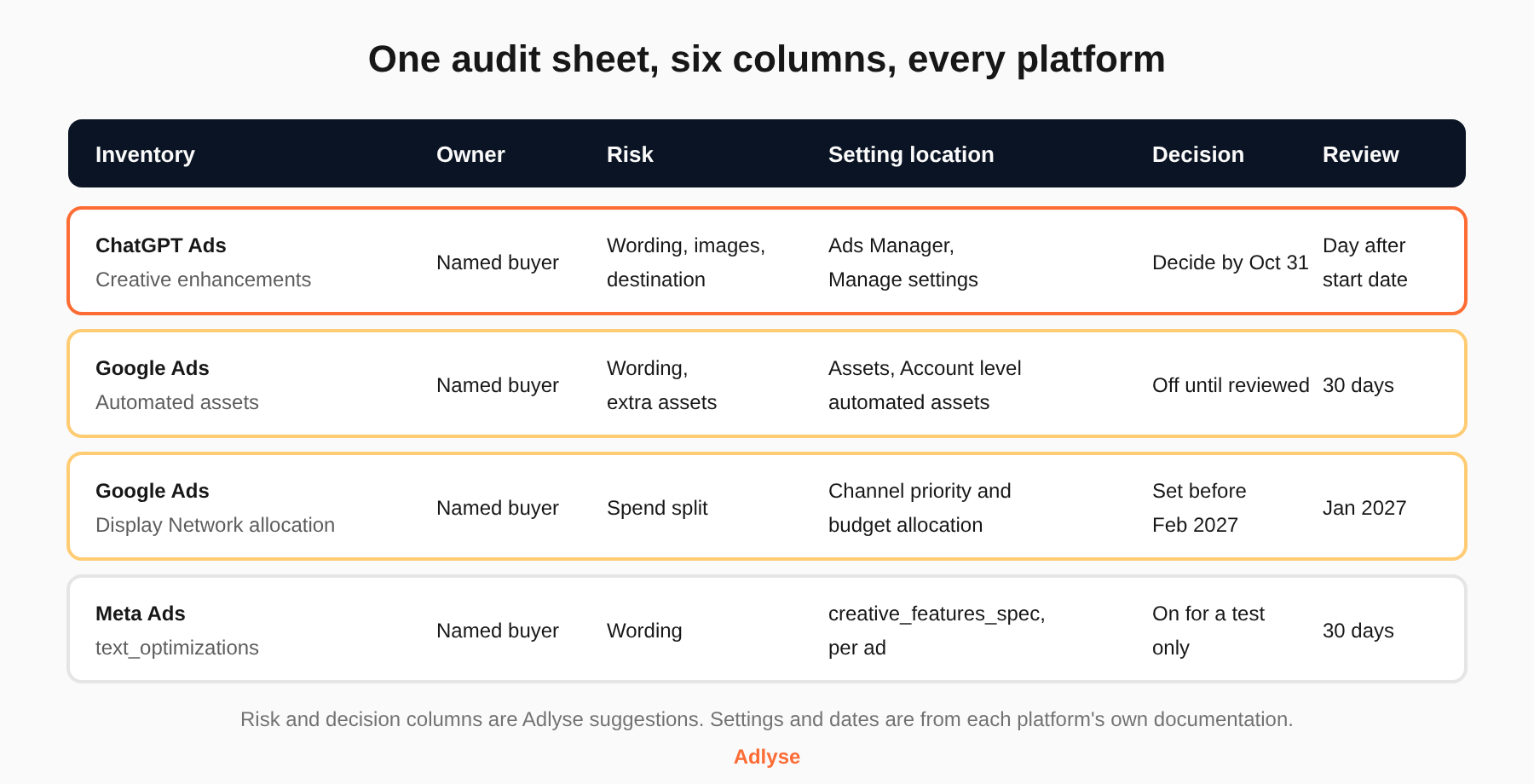
Build one table. One row per setting, per platform. Six columns, in this order:
| Column | What goes in it |
|---|---|
| Inventory | The setting, in the platform's own words |
| Owner | One named person, not a team |
| Risk | What it can change: wording, destination, spend, or none |
| Setting location | The exact path in the UI or the API field |
| Decision | Off, on, or on for a test |
| Review date | A real date, not "quarterly" |
Here is a starter version using only settings documented above. The risk and decision columns are Adlyse's suggestions. Overwrite them.
| Inventory | Owner | Risk | Setting location | Decision | Review date |
|---|---|---|---|---|---|
| ChatGPT Ads creative enhancements | Named buyer | Wording, language, images, destination | Ads Manager, Manage settings | Decide before Oct 31, 2026 | Day after the start date |
| Google account-level automated assets | Named buyer | Wording, extra assets | Assets, Associations tab, Account level automated assets, Advanced settings | Off for claims-heavy assets until reviewed | 30 days |
| Google automated location matching | Named buyer | Wrong locations shown | Same menu, location assets | Check against your real locations | 30 days |
| Google Search + Display Network allocation | Named buyer | Spend split | Channel priority and budget allocation settings | Set before Feb 2027, or accept the migration on purpose | Jan 2027 |
| Meta text_optimizations and text_translation | Named buyer | Wording, language | creative_features_spec, per ad | On for a test, off elsewhere | 30 days |
| Meta AI image features | Named buyer | Visuals | creative_features_spec, per ad | Off until you have previewed output | 30 days |
Pull the inventory from the platform, not from memory. On Google, start with the "Google AI" filter. On Meta, read creative_features_spec for live ads. On ChatGPT Ads, open Manage settings and note which level the setting sits at, since campaign settings override the account default.
How do you rate the risk?
Rank by what the setting can change. A simple order:
- Spend. Anything that moves budget between channels. Wrong choices cost money fast.
- Destination. Anything that rewrites the landing URL. A wrong page breaks tracking and message match.
- Claims. Anything that rewrites copy, prices, or offers. These matter in regulated or promotion-heavy accounts.
- Format. Resizing and cropping. Lowest risk, but still visible to customers.
OpenAI's own article recommends keeping prices, promotions, and availability current because enhancements draw on your existing ad and landing page. That is a good reason to give claim-level settings a named owner.
What decision should each setting get?
Three options, and "leave it" is not one of them.
- Off. Use it when the setting touches claims, legal copy, or pricing, or when you cannot preview what it produces.
- On for a test. Because ChatGPT campaign settings override the account default, you can run one campaign with enhancements on and a comparable one off. State the hypothesis first. Our guide to proving which change drove performance covers the logic.
- On, with a named owner and a review date. Use it for low-risk formatting settings you have inspected.
Write the reason in the sheet.
How often should you review it?
Two triggers. A calendar date, and any platform announcement. Platform defaults move, so add the audit to your weekly routine, not a yearly cleanup. Our Monday routine for agent-run accounts is one place to put it.
If an agent or automation touches your accounts, the audit has a second job: it tells you which changes came from you and which came from the platform. That is the point of an audit trail for AI-driven ad spend. For the wider risk picture, see AI agent risks in ad accounts and the guardrails that matter for AI autonomy over ad spend.
What should you do next?
Every default-on setting is a change that nobody wrote a hypothesis for. Adlyse is built the other way around: it executes approved changes across Google, Meta, Microsoft, and ChatGPT Ads, ships each one with a hypothesis, and grades the result as improved, hurt, or neutral. Start by copying the table above, filling it in for one account, and putting a review date on every row.