How Do I Audit a Google Ads Account for Performance Issues?
Higher ROAS. 10x less work.
Put Adlyse on your accounts. Daily audits, agentic optimization, and reports your clients actually read.
Request a demoThe systematic approach to finding what's wasting spend
Auditing a Google Ads account for performance issues means systematically identifying what's wasting spend, what's driving results, and why performance is trending up or down, so you can fix problems before they scale.
The fastest way to do this is by starting at the account level, validating data integrity, and then diagnosing structure, keywords, creatives, and optimization bottlenecks in a clear, repeatable order.
In this article, we'll break down exactly how to audit a Google Ads account for performance issues, what usually goes wrong, and how modern teams are replacing manual audits with AI-powered performance intelligence.
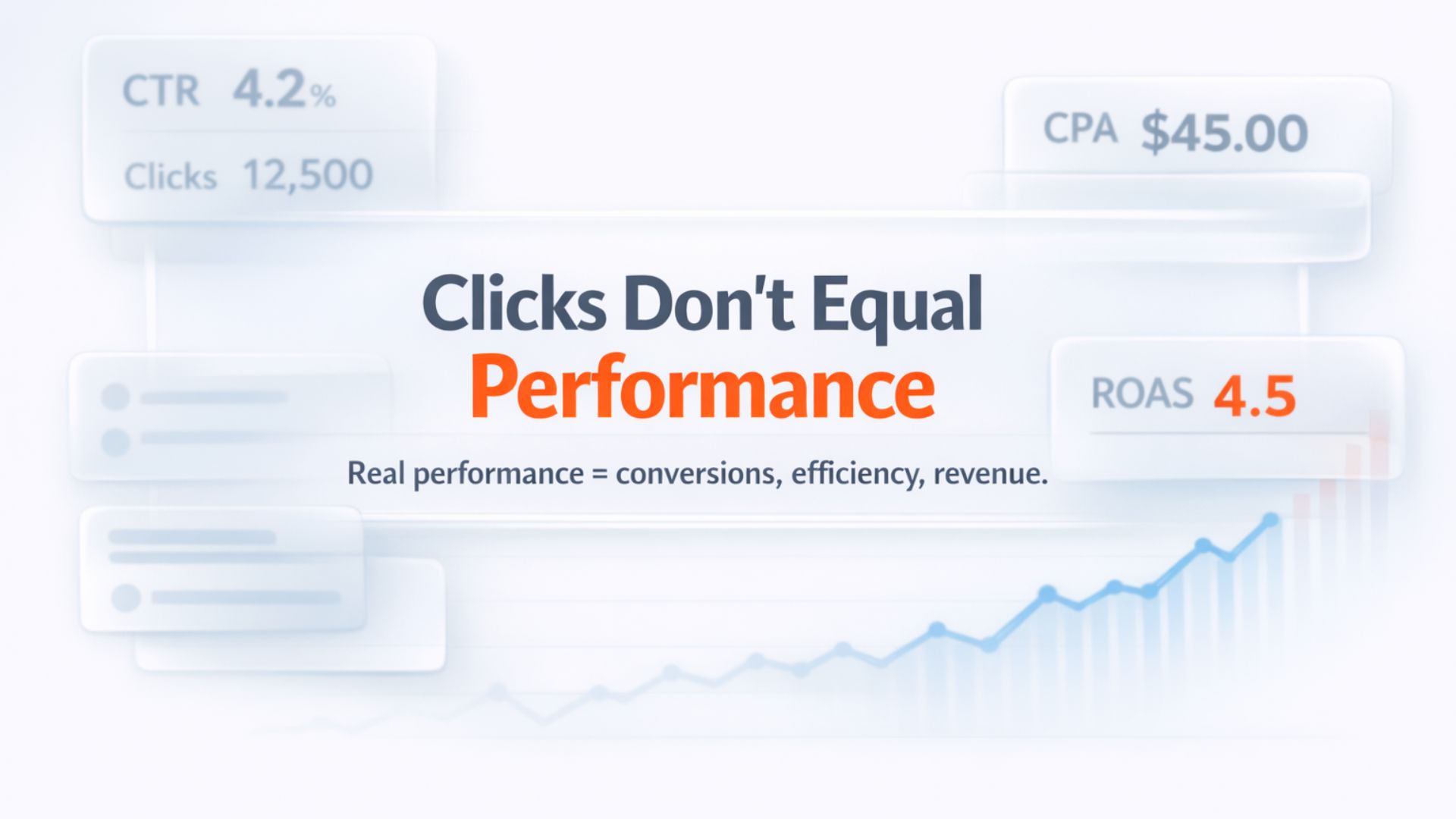
The Short Answer (Up Front)
A strong Google Ads audit follows this sequence:
- Evaluate account-wide performance signals (ROAS, CPA, trends)
- Check campaign structure and budget allocation
- Analyze keyword and search term efficiency
- Assess ad creative and message alignment
- Verify conversion tracking and optimization signals
- Identify where analysis and decisions slow down
Most performance problems aren't hidden in one bad keyword, they're caused by structural inefficiencies, delayed insights, or flawed measurement.
Why Google Ads Performance Issues Are Hard to Spot
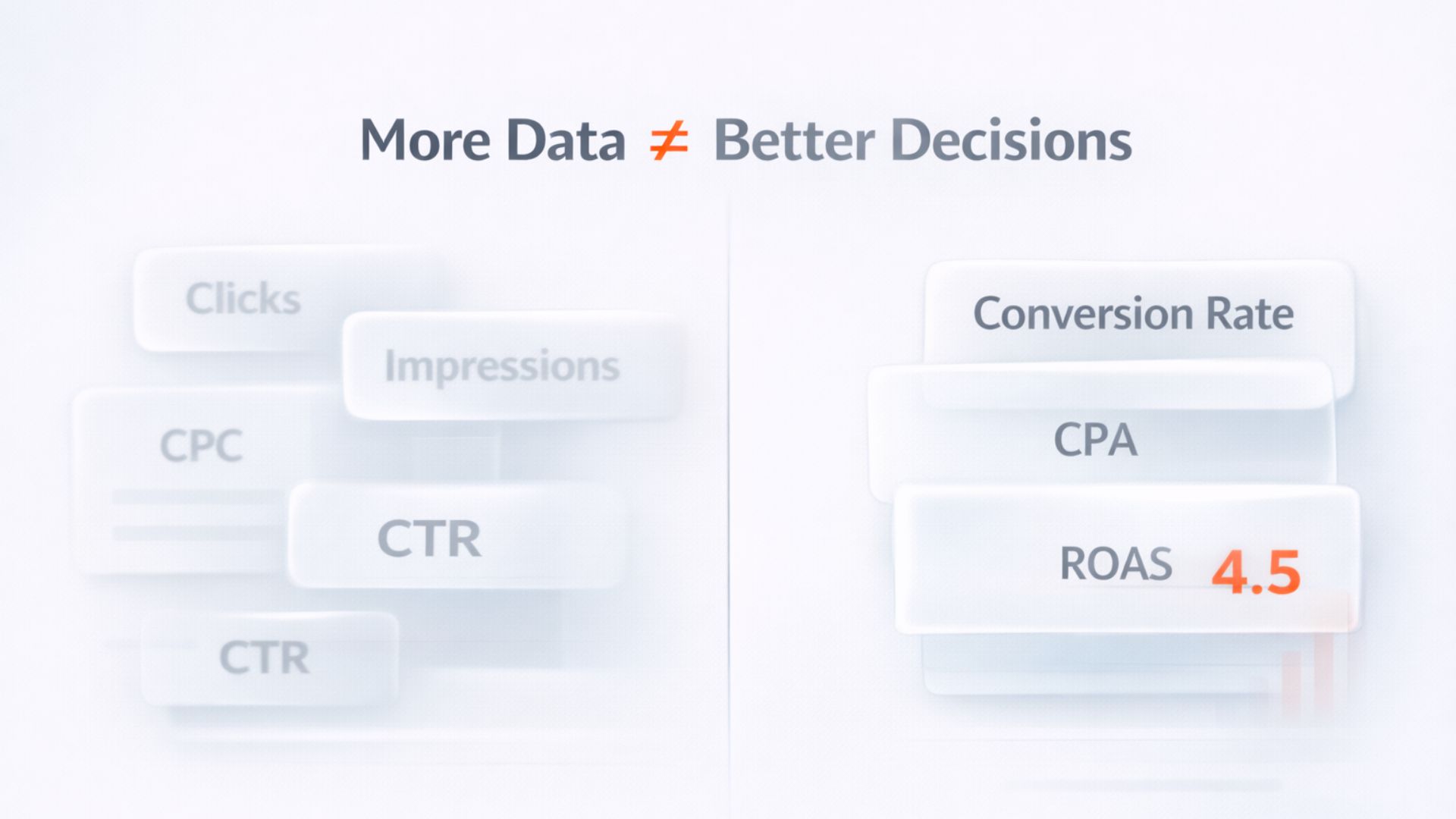
Google Ads provides hundreds of metrics, but more data doesn't equal more clarity.
Teams often:
- Jump straight into keywords without context
- Optimize campaigns with broken or shallow conversion data
- React to short-term fluctuations instead of performance trends
- Spend hours exporting reports that are outdated by the time they're reviewed
According to industry benchmarks and platform documentation, advertisers regularly waste 20–30% of spend due to inefficient targeting, misaligned bidding, or unoptimized structure. That waste compounds as budgets scale.
Step 1: Start With Account-Wide Performance Signals
Before touching individual campaigns, zoom out.
What to review first:
- Spend vs. return efficiency: CPA, ROAS, conversion value
- Performance trends: 7-day vs. 30-day vs. 90-day changes
- Volatility vs. decay: sudden drops vs. slow performance erosion
Key insight
This step helps you determine whether the problem is:
- Structural (campaign design, budgets, objectives), or
- Tactical (keywords, ads, bids)
Step 2: Diagnose Campaign Structure & Budget Allocation
Many Google Ads accounts grow organically, and end up messy.
Audit questions:
- Are campaigns segmented by intent, product, or funnel stage?
- Are high-converting campaigns limited by budget?
- Are low-efficiency campaigns consuming disproportionate spend?
Common performance issue
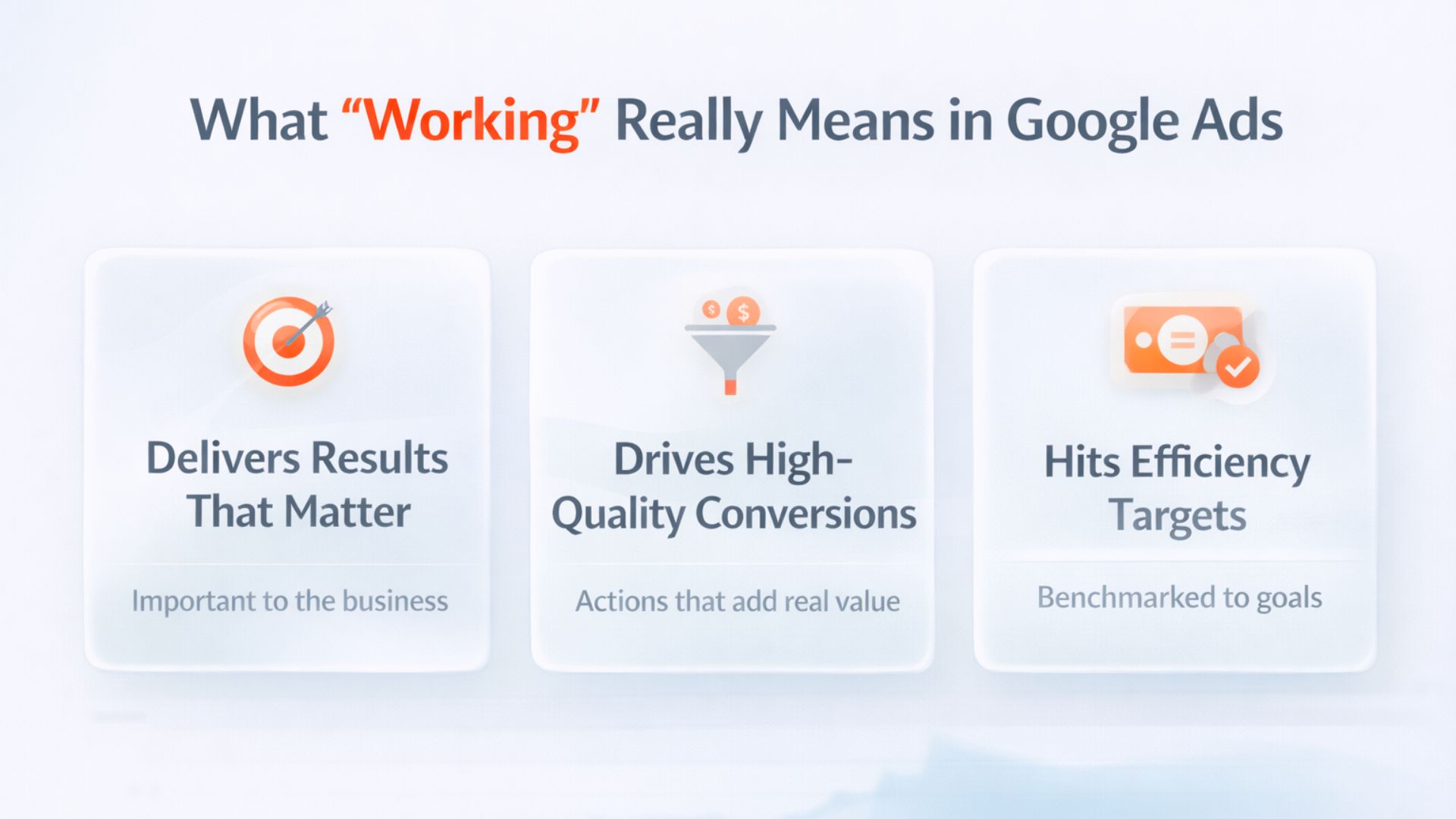
Step 3: Keyword & Search Term Health Check
Keywords don't fail, uncontrolled search terms do.
What to analyze:
- Match type balance (exact vs. phrase vs. broad)
- Search terms with spend but no conversions
- Negative keyword coverage and hygiene
Research from paid search audits consistently shows that a large percentage of wasted spend comes from irrelevant or low-intent search terms, not from the keywords advertisers intentionally chose.
Performance signal
Step 4: Ad Creative & Message Alignment
Creative is often blamed last, but it's usually a primary driver of inefficiency.
What to check:
- Are there enough ad variations per ad group?
- Do messages align with user intent and keywords?
- Are CTR and conversion rate moving together?
How to interpret the data:
- Low CTR: creative or relevance issue
- High CTR + low CVR: landing page, intent mismatch, or weak offer
Google's own best-practice guidance consistently emphasizes ad relevance and testing volume as major Quality Score and efficiency drivers.
Step 5: Conversion Tracking & Measurement Integrity
You can't audit performance without trusting the data.
Critical checks:
- Are conversions meaningful business actions?
- Is primary vs. secondary conversion prioritization correct?
- Are you optimizing for volume when value matters (or vice versa)?
Warning sign
Step 6: Identify Optimization Bottlenecks
This is where most audits stop, and where performance issues persist.
Ask yourself:
- How long does it take to answer basic performance questions?
- Which insights require manual exports or spreadsheets?
- How often are campaigns reviewed vs. how often they should be reviewed?
Performance problems often exist not because teams don't know what to do, but because insights arrive too late to act on.
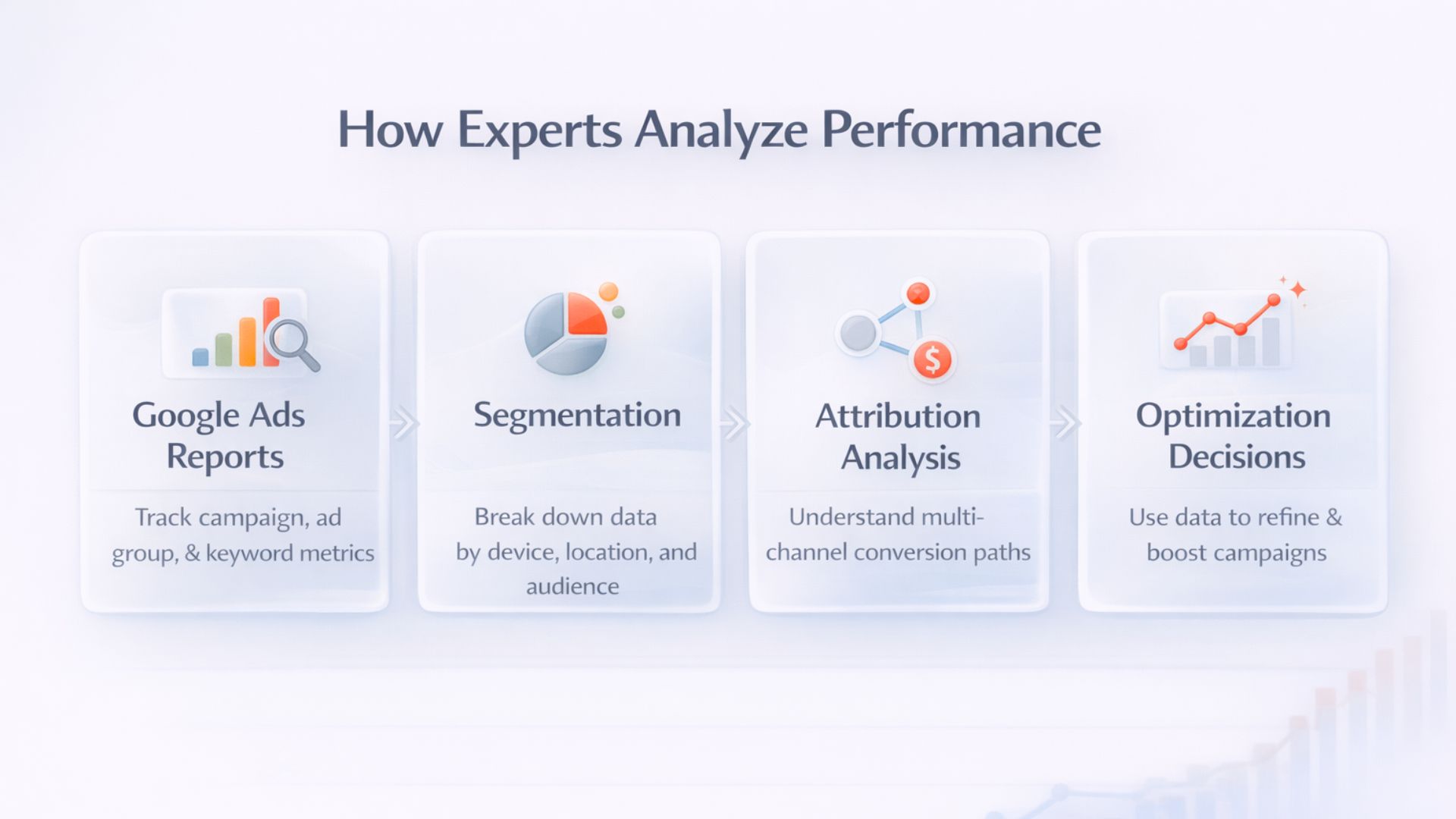
How Adlyse Improves the Google Ads Audit Process
Traditional audits are snapshots. Performance needs continuity.
Adlyse replaces manual analysis with:
- Automated account and website research
- AI-powered insights explaining why performance changes
- On-demand reporting without dashboards or spreadsheets
- An AI assistant that answers performance questions instantly
Instead of auditing once per quarter, teams get continuous performance clarity, without adding headcount.
Audits Are About Clarity, Not Checklists
A Google Ads audit isn't about ticking boxes. It's about understanding what's working, what's not, and why, fast enough to act before inefficiencies scale.
Manual audits don't scale with spend. Performance intelligence does.
See how Adlyse turns manual audits into continuous performance intelligence.
Stop auditing. Start knowing.