

Rank trackers are not a measurement of what your customers saw. They are a sample, taken by software that Google increasingly blocks. PPC Land reports two vendors saying 8% to 11% of their checks were affected, and Google's own guidance for core updates points you to Search Console. During the November 2026 core update, trust Search Console first and use trackers to spot where to look.
What have rank-tracking vendors said about data quality?
PPC Land reports two figures, both from vendors:
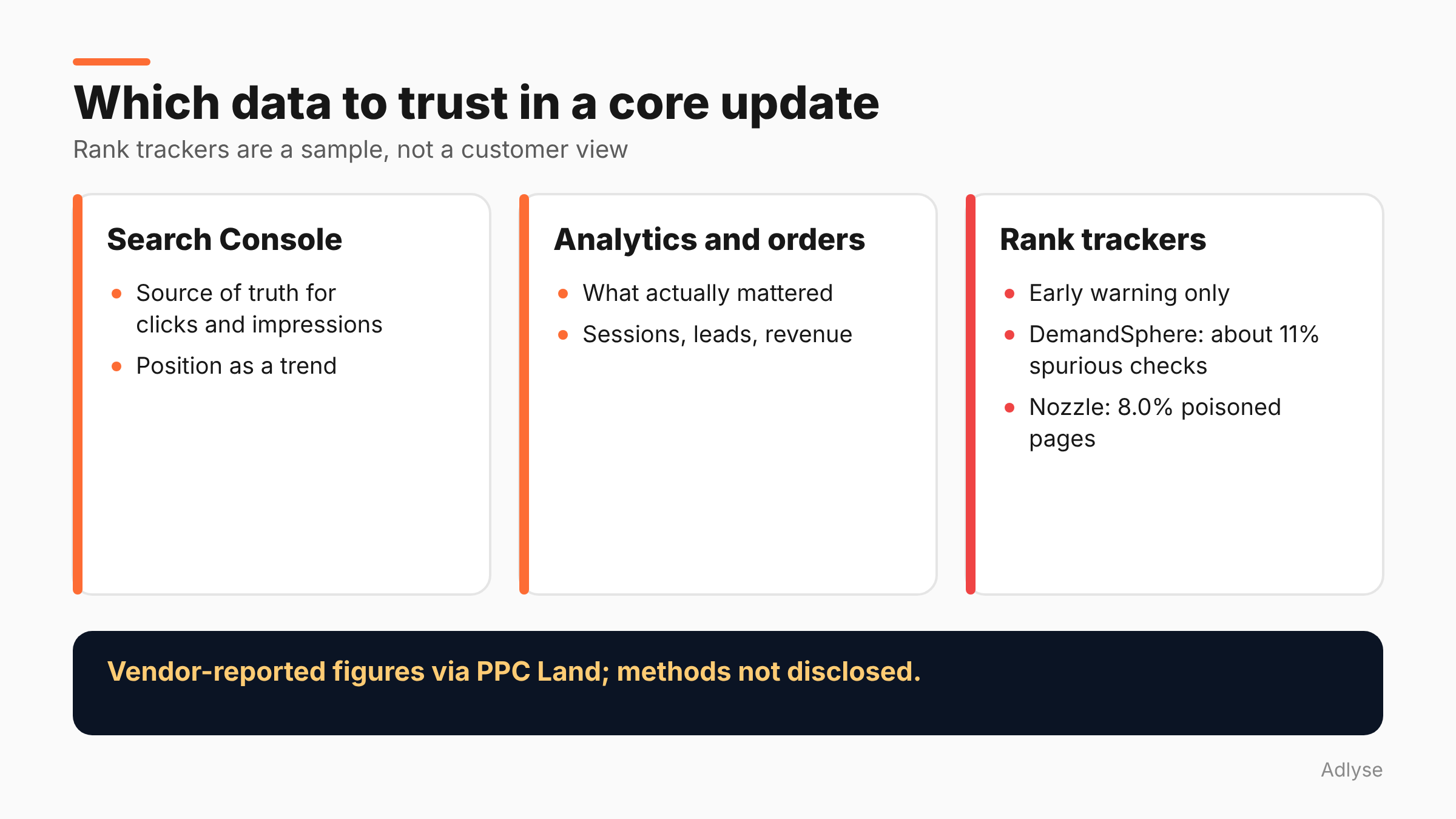
- DemandSphere said Google returned spurious results on about 11% of its daily rank checks after blocking intensified around September 11.
- Nozzle counted 8.0% of results pages as "poisoned."
Neither vendor disclosed its full method, and Google has not commented on either figure, per PPC Land. We have not seen the vendors' own posts, so treat the numbers as reported, not verified.
Even so, the direction is clear enough. If a meaningful share of daily checks returns bad data, a chart built from them has noise that has nothing to do with your site.
Why does a core update make it worse?
A core update moves rankings, and people check more often when rankings move. More checks mean more load on the same systems that are already blocking automated lookups.
There is also a plain statistical problem. A tracker follows a fixed list of keywords. A core update can change which pages rank for which queries, so your list may stop reflecting what customers search. A keyword you track may be fine, while the ones you do not track are where the change happened.
PPC Land also reports figures from SE Ranking on earlier updates. SE Ranking found 79.5% of top-three URLs changed position in the March 2026 update, versus 66.8% after December 2025, and about 24.1% of top-ten pages fell out of the top 100, compared with 14.7% in December. These describe SE Ranking's tracked sample, not all of Google, and the method is not given in the source we read.
What does Google say you should use?
Google's core updates documentation tells you to check the Search Status Dashboard for the update's start and end dates, wait at least a full week after it completes, and then analyze your site in Search Console, comparing that week with the week before the update began.
It does not tell you to use a rank tracker. That is not proof that trackers are useless, since the page does not discuss them. But it does tell you which data Google considers the reference.
Search Console reports what happened in Google Search for your property: impressions, clicks and average position. It has its own limits. Position is an average, and some queries are anonymized. See Google's help page on common Performance report tasks for how to sort by clicks, find pages with low click-through rate and use the Difference column to spot large changes.
What is each tool good for?
This section is our opinion.
Search Console: what actually happened. Use it as the source of truth for clicks and impressions, and for position as a trend.
Rank trackers: early warning and competitor context. They can show you rivals, and they can check a fixed set of terms daily. Use them to decide where to look in Search Console, not to prove a loss.
Analytics and backend orders: what mattered. Revenue, leads and orders are the only measures that count for the business.
When two sources disagree, ask which one is closer to a real customer's experience. That is usually Search Console, then analytics, then a tracker.
How do you cross-check a drop?
- Pick a page group, not a keyword. Choose a set of pages, such as category pages.
- Check Search Console impressions and position for those pages over a comparable period. Wait for the dashboard to show the update is complete.
- Check the tracker for the same pages. Note whether it agrees on direction. Direction matters more than size.
- Check analytics for organic sessions and orders on the same pages.
- Decide which is the outlier. If only the tracker shows a drop, treat it as suspect. If all three agree, it is likely real.
- Write it in the change log with the dates.
If a vendor can tell you how many of your checks failed or were flagged, ask. A vendor that cannot answer is telling you something.
What should you report to clients during an update?
Say less, and say it carefully. "Rankings are moving during Google's update. We will report on Search Console data one week after it ends and will not change content that is performing." That is honest and keeps people calm.
Avoid sending a daily tracker screenshot. A red arrow on Tuesday becomes a phone call on Wednesday, and the number may be wrong. If a client already gets tracker reports, add a line: "Tracker data is a sample and can include failed checks. We confirm in Search Console."
For paid teams that sit beside SEO, the same principle applies: pick one source of truth. Our guide to reading cross-platform numbers explains why different tools show different results, and our incrementality testing guide shows how to check what really changed.
What should you do about Black Friday?
Not much. This is not the week to rebuild your rank-tracking setup, and it is not the week to react to a daily chart. Keep your monitoring plan and keep a list of what you changed on the site. The same rule applies as for ad monitoring: write your rules before the event, and act on facts, not hours.
For timing, see how to read the November core update during Black Friday.
What are the limits of this advice?
- The vendor figures are second-hand. They come from PPC Land's report, and the vendors' methods are not public in what we read.
- Search Console is not perfect. Position is an average, and anonymized queries are hidden.
- We have not tested trackers ourselves. This post is a reading of reported data, not a benchmark.
What should you do next?
Pick one page group and run the six-step cross-check once this week, before the update ends. If you run changes through Adlyse, each approved change ships with a hypothesis and is graded improved, hurt or neutral. Treat any content change you make after a ranking drop as a hypothesis, state it first, and check it later.