
An AI ad tool is safe for an agency only if the client can see what changed, who allowed it and what it was meant to do. Speed is the easy part. Control is what clients ask about the first time a number moves. This post sets out five controls to build around any AI ad tool, a way to split responsibility between you and the client, and the questions to ask before you connect a single client account.
Why do clients worry about AI in their accounts?
The client's money is spent in an account they own, by a tool they did not choose, on a schedule they cannot see. Three worries follow:
- Who decided? If a budget moved, the client wants a person's name.
- Can they stop it? They want a way to pause everything fast.
- Is it still our strategy? They hired you for judgment, not for a script they cannot read.
None of these is unreasonable. All of them can be answered with a process, not a promise.
What are the five controls?
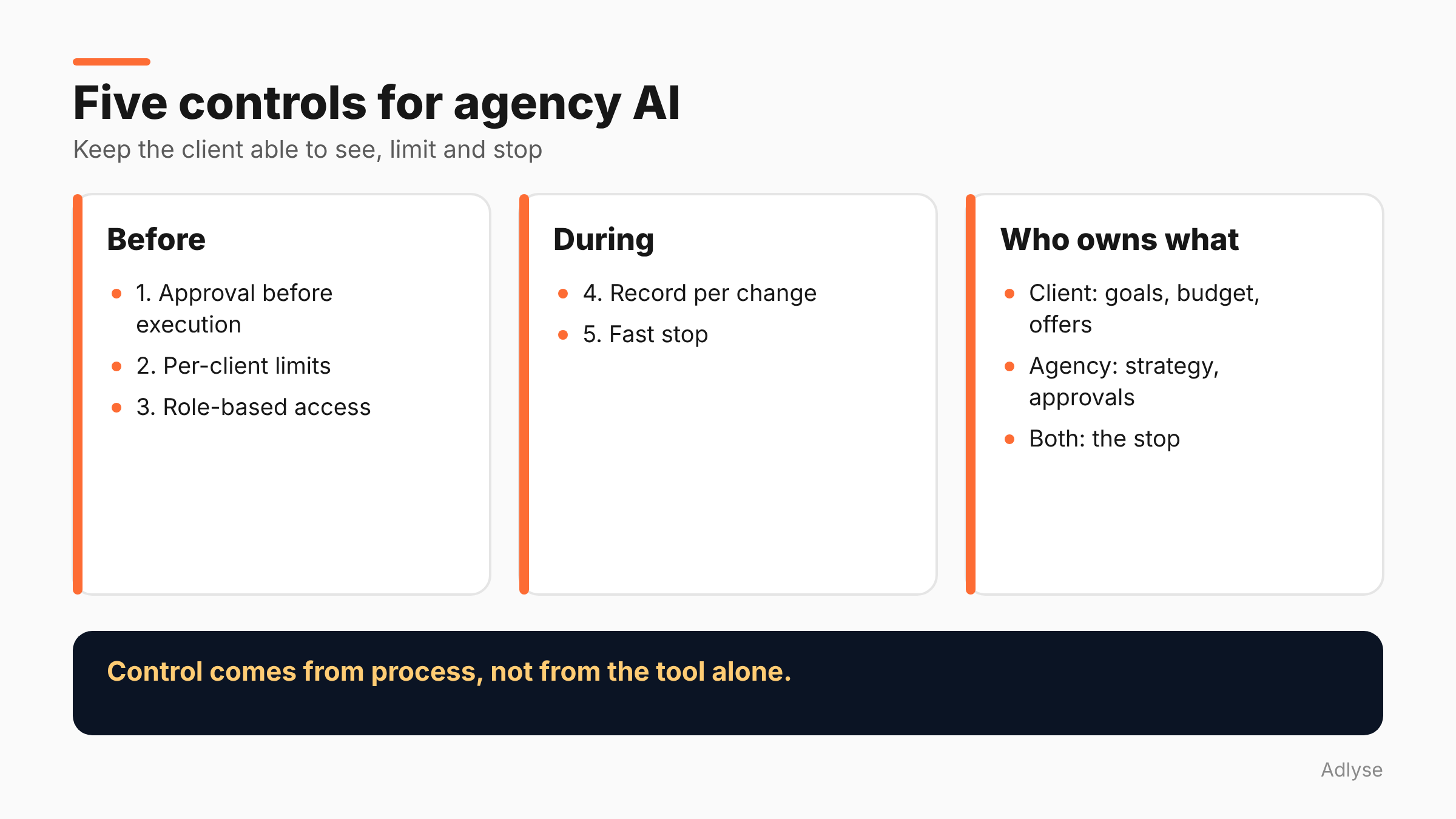
- Approval before execution. Every change that spends or targets should trace to a named person's approval: either that change, or a standing rule they signed off in advance (for example, pause any creative that has spent over a set amount with no conversions). For some clients, a named person on their team as well. If a tool offers no approval step or approved-rule model, you carry the whole risk.
- Per-client limits. Each client account needs its own budget cap, set before the tool proposes anything. A cap that applies agency-wide is not a client control.
- Access that matches the role. Use the platform's own access levels. Google Ads, for example, lets you grant manager-account users Administrative, Standard, Read only, Email only or Billing access, and Read only users "can't make any changes to the account." Give the tool and your people the least access they need.
- A record per change. What changed, why, who approved, when, and what happened. If you cannot export it, you cannot show it.
- A fast stop. A kill switch that you and, ideally, the client can use.
How should you split responsibility with the client?
Write it down in the statement of work. A simple split:
| Decision | Who owns it |
|---|---|
| Goals, budget and offers | Client |
| Strategy and priorities | Agency, agreed with client |
| Which proposals to approve | Agency approver |
| Limits and standing rules (caps, pause rules) | Agency proposes, client signs off |
| Stopping everything | Both |
Then agree what the client sees: a weekly list of changes and outcomes is usually enough. The aim is no surprises, not a daily review.
What should you tell clients about AI?
Say plainly what the tool does and does not do. Something like: "A tool proposes changes. Each change is approved by a person on our team, or falls under a rule we agreed with you in advance. Each change is recorded with a reason and a result. You can see the list any time." If your tool does something different, change the sentence, not the practice.
Avoid language that overpromises. Do not claim the tool "optimizes everything" or "never makes mistakes." The Federal Trade Commission has warned advertisers to keep AI claims in check, so keep claims you make about results to what you can show. Check client-facing promises with counsel.
How do you report what the AI changed?
Report in three layers:
- Outcome: the result the client cares about.
- Changes: the five to ten changes that mattered, each with its reason and verdict.
- Method: which changes needed approval, who approved, and what limits applied.
Per-change verdicts help here. "This change improved cost per lead" is a much stronger sentence than "performance is up." For the reporting problem in general, see Cross-Platform Ad Reporting: Why Nothing Adds Up.
How do you onboard a new client safely?
Treat the first month as a controlled start, not a switch-on.
- Agree the limits in writing: budget caps, pause rules, who approves, who can stop.
- Start with a narrow scope. Let the tool propose changes to a few campaigns or settings, not the whole account.
- Record a baseline before the first change, so the client can see what moved.
- Review every proposal in week one, even ones that look routine. You are learning what the tool gets wrong in this account.
- Show the client the first list of changes within two weeks, with reasons and results so far.
- Widen the scope only after review, and tell the client when you do.
A client who watched the process from the start is much less likely to ask later who changed what.
What does this do to agency margin?
Review time replaces execution time. Your people move from making changes to judging them. That shifts what you can bill for and how many accounts one person can cover. We cover the numbers in Agency Margin Math and the billing question in What to Bill For Now That AI Executes Optimizations. Do not assume the saved hours turn into margin. Some turn into review work.
What should you ask a vendor before connecting a client?
- Does anything execute without a person approving it or approving a rule in advance? Get the list.
- Can limits be set per client account?
- What does the record look like, and can I export it for a client?
- How do I stop a single client's activity without stopping the others?
- What happens when a change grades badly?
- How is the client's data separated from other clients'?
The last question is for the vendor's security answer. We cannot answer it for any vendor here; ask for it in writing.
For a wider comparison of tools, see the best AI ad management tools for agencies.
What does Adlyse do for agencies?
Adlyse executes approved changes on Google Ads, Meta, Microsoft Ads, TikTok, AppLovin and OpenAI's ChatGPT Ads. A change runs after a person approves it, or automatically under a rule a person approved in advance, for example: pause any creative that has spent over $50 with no conversions. Changes Adlyse proposes ship with a before/after preview and a hypothesis, and results are graded improved, hurt or neutral; changes graded hurt are reverted automatically. Budget caps, a spend ledger and a kill switch are set up first. Adlyse is not a fit if you want software that acts with no approved change or approved rule behind it.
Ready to see Adlyse on your accounts?
Book a walkthrough and we run it against a live account, so you see the workflows, the approvals, and the reporting for yourself.
Request access