
A Meta ads AI agent is worth it if it saves you more review-and-fix time than it costs in setup, oversight and licence fees, and if you can prove which of its changes helped. It is not worth it if your account is small and stable, or if you cannot say what you spend your hours on now. This post gives you a four-step test using your own numbers, then a setup checklist to complete before the agent touches any budget.
We give no benchmark savings figures. Any figure you will see in a vendor deck depends on the account, and we would be making it up.
What does "Meta ads AI" mean here?
"Meta ads AI" covers three different things, and mixing them up leads to bad buying decisions:
- Meta's own automation inside Ads Manager, which allocates delivery and creative for you.
- Meta's Business Agent, which Meta announced on June 3, 2026 for talking to customers. Meta's announcement lists human handoff and controls for larger businesses, and the page does not say whether it manages ads.
- A third-party agent that proposes and executes changes to your ad account.
This post is about the third. For how the three differ, see our comparison of Meta's agent and third-party agents.
How do you test whether it is worth it?
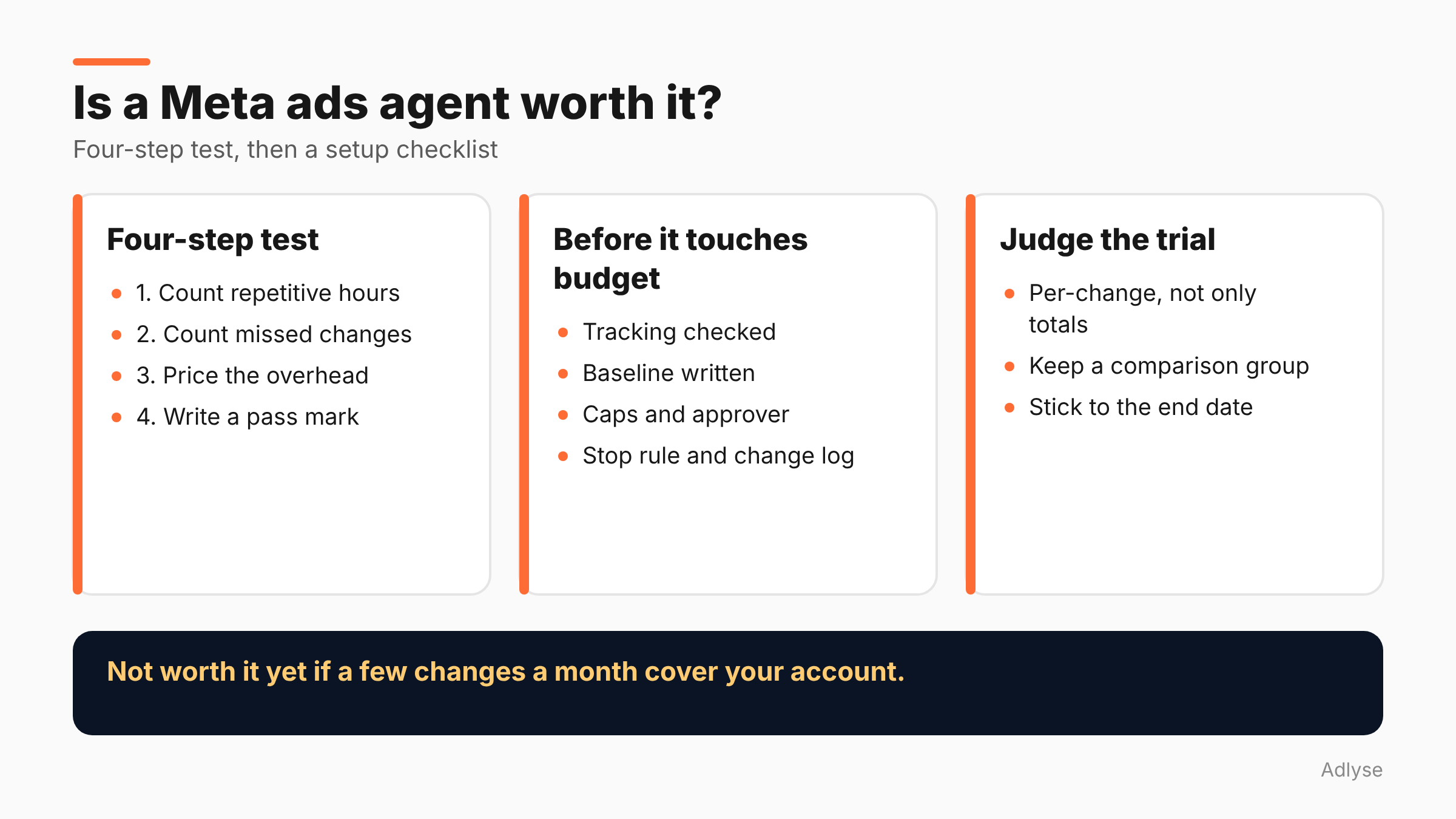
Four steps. Use two to four weeks of your own data.
- Step 1: Count your repetitive hours. Log the time you spend each week on scanning for problems, making routine changes (budgets, pauses, creative rotation) and writing them up. Do not count strategy or creative work.
- Step 2: Count your missed changes. How often do you spot something late, such as a fatigued ad running for weeks? Estimate the spend affected. This is a rough figure; label it as such.
- Step 3: Price the overhead. Add the agent's cost, your review time per proposal and your setup time. An approval-based agent creates a review queue. An autonomous one creates a monitoring job. Either way, someone watches.
- Step 4: Define a pass mark. Before the trial, write down what "worth it" means. For example: "weekly routine hours down by a number we choose, with no rise in cost per result, and a record for every change." Choose your own number.
If step 1 is small and step 2 is rare, the answer is probably no, for now.
When is it probably not worth it?
- Small, stable budgets. If a few changes a month cover it, the overhead exceeds the gain.
- Weak tracking. An agent amplifies whatever signal you give it. If conversions are unreliable, fix that first.
- No owner. If nobody will review proposals, the tool will sit unused or run unwatched.
- Creative is the bottleneck. Agents change settings. They do not fix a weak offer or thin creative.
When is it probably worth it?
- Many campaigns or accounts, so scanning is a large share of your week.
- Several platforms, so cross-platform review is slow by hand.
- You need a record. A client, finance team or executive will ask what changed.
- You already trust your measurement. Then proposals can be judged against something reliable.
What should you set up before it touches budget?
Complete this list first. It is the part most trials skip.
- Conversion tracking checked. Events fire once, with the right values.
- A baseline written down. Cost per result, spend and volume for the weeks before.
- Budget caps set. An overall cap and a per-campaign cap.
- An approver named, with a backup.
- A stop rule. What triggers a pause, and who can pull the stop.
- A change log. Every change recorded with old value, new value, reason and approver. Meta's own ad activity reference lists the actor, time and event type but no old and new values, so keep your own.
- A comparison plan. Which campaigns stay untouched, so you can compare.
- A trial length and an end date. Decide before you start.
- A scope. Which settings the agent may propose changes to, and which it may not.
- Account access reviewed. Give the least access the tool needs.
For the control questions in detail, see our guide to Meta Ads and AI agents.
How do you judge the trial?
Judge changes, not just the account. If total cost per result improves, you still do not know whether the agent caused it, or Meta's own system, the season or a creative refresh. Per-change records help. For each change, note the hypothesis, the window and the result. How to Prove Which Change Drove Performance covers the method.
Keep a few campaigns untouched as a comparison. It is not perfect, but it is better than a before-and-after read in a noisy month.
What questions should you ask a vendor?
- Does anything execute without a person approving the change or a standing rule?
- Is every change recorded with a reason and an approver?
- What happens if a change makes results worse?
- Which Meta settings can the agent change, and which can it not?
- What are the limits on spend?
- How do I leave, and what do I keep?
For a scoring approach across vendors, see How to Evaluate Agentic AI Marketing Tools.
What does Adlyse do on Meta?
Adlyse executes approved changes on Meta alongside Google Ads, Microsoft Ads, TikTok, AppLovin and OpenAI's ChatGPT Ads. A change runs after a person approves it, or automatically under a rule a person approved in advance, for example: pause any creative that has spent over $50 with no conversions. Changes Adlyse proposes ship with a before/after preview and a hypothesis, and results are graded improved, hurt or neutral. Changes graded hurt are reverted automatically. Budget caps, a spend ledger and a kill switch are set up first. Adlyse is paid media only.
Ready to see Adlyse on your accounts?
Book a walkthrough and we run it against a live account, so you see the workflows, the approvals, and the reporting for yourself.
Request access